Press kit
Last updated: October 27, 2026
Spark Grid is a native Mac spreadsheet for the .xlsx and CSV files you already have. Spreadsheets. No account.
Everything here is free to use in coverage of Spark Grid. Questions, a review build, or an interview: help@sparkgridapp.com.
Fact sheet
- Name: Spark Grid
- Made by: Sam Parker, independent developer. Part of the Spark Suite.
- Platform: Mac, macOS 14 or later. Built natively for the Mac.
- Price: Free on the Mac App Store.
- Current version: 1.1, released October 15, 2026. Version 1.0 came out October 6, 2026.
- Files: opens and saves .xlsx and CSV.
- Formulas: 52 functions, including XLOOKUP, SUMIFS, COUNTIFS, and SUMPRODUCT. What works.
- Privacy: no account, no analytics, and the app doesn’t use the network. Files stay on the Mac.
- Website: sparkgridapp.com
Short description
Spark Grid is a free, native Mac spreadsheet for .xlsx and CSV. No account, no analytics, and your files stay on your computer.
Medium description
Spark Grid is a native Mac spreadsheet for the workbooks you already have. It opens and saves .xlsx and CSV, calculates 52 everyday functions including XLOOKUP and SUMIFS, and keeps formatting, frozen panes, conditional formatting, and charts. It is free on the Mac App Store, needs no account, collects no analytics, and never uses the network.
Long description
Spark Grid is a native Mac spreadsheet for .xlsx and CSV, built by independent developer Sam Parker. It is for the workbook someone already sent you: open it, edit it, and save it back as .xlsx.

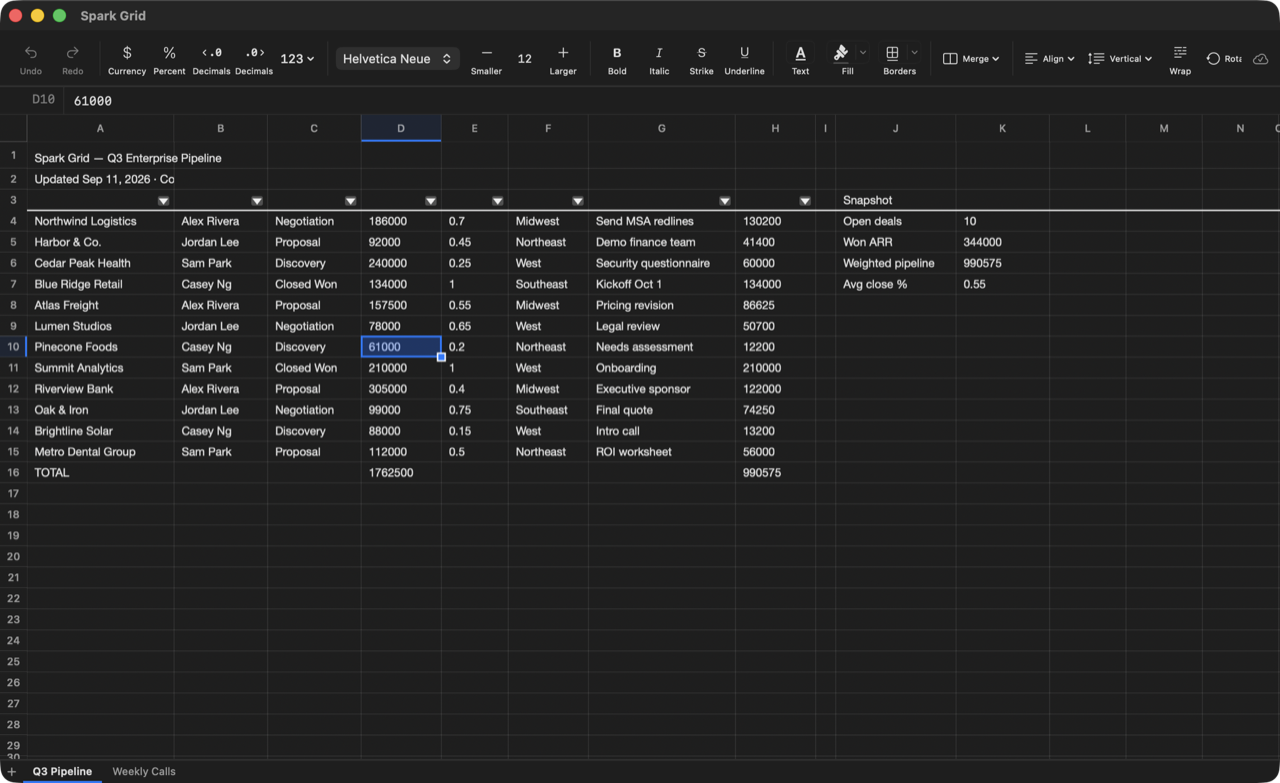
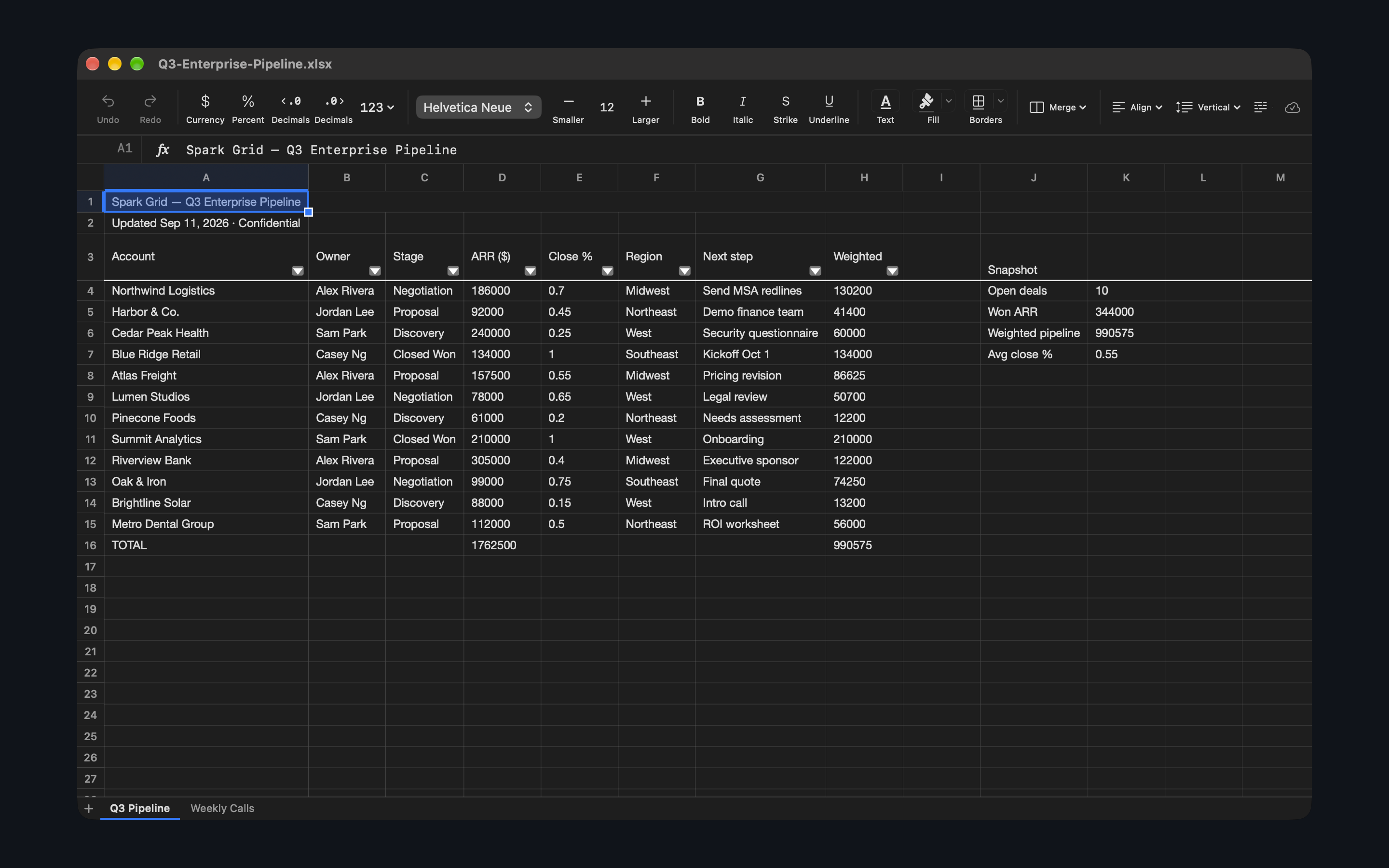
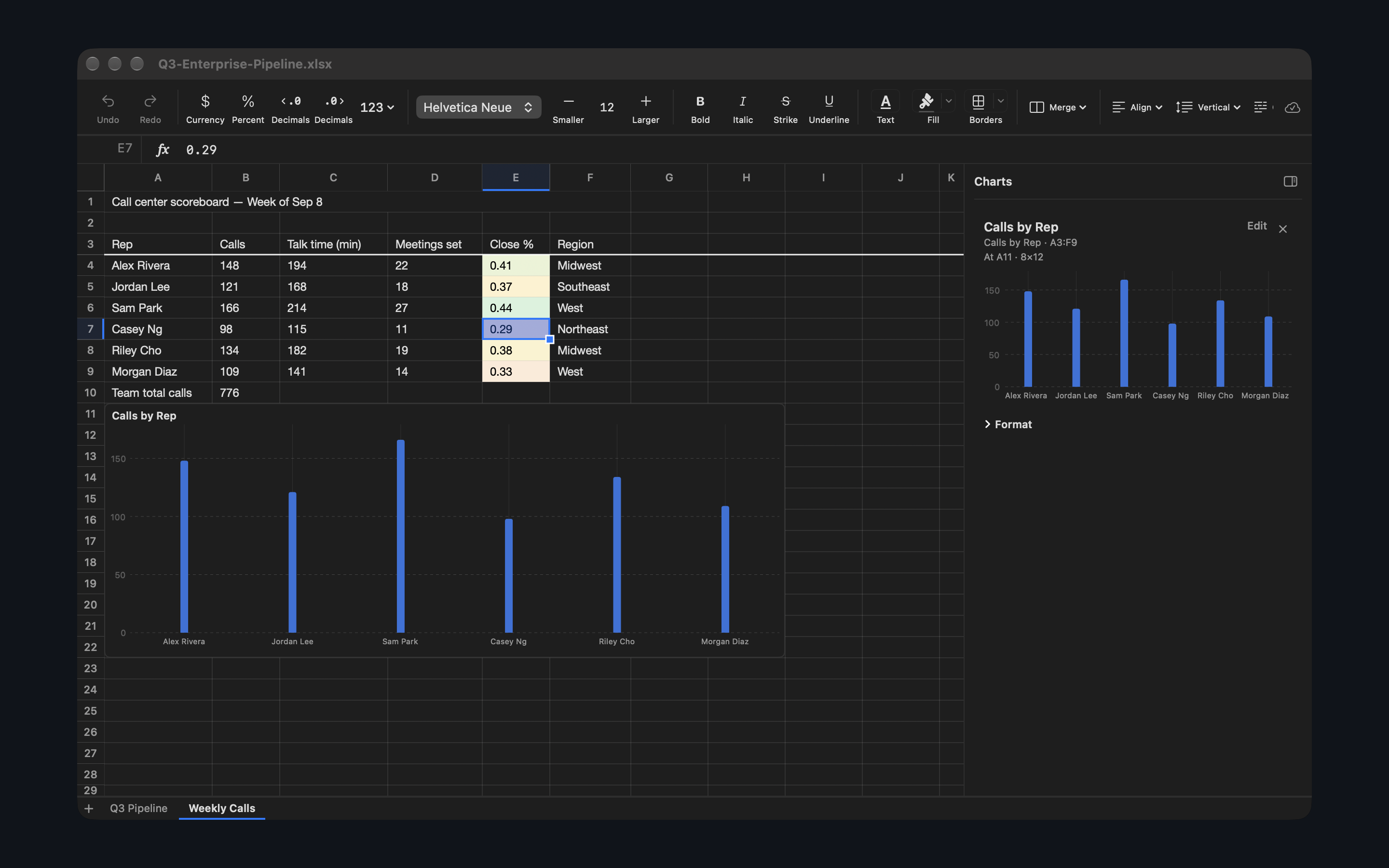
Formula cells show their results, with the formula in the formula bar. Spark Grid calculates 52 functions, from SUM and IF to XLOOKUP, SUMIFS, COUNTIFS, and SUMPRODUCT. Fonts, number formats, borders, merged cells, freeze panes, conditional formatting with color scales and data bars, pictures, and bar, line, and area charts come through.

Version 1.1 is about big files. A workbook with 48,000 formulas went from about 15 seconds to open to about half a second. Edits on the sheet you are looking at show up near-instantly, while other sheets catch up in the background, and saving no longer freezes the window.

Spark Grid is free on the Mac App Store and runs on macOS 14 or later. It has no account, no analytics, and does not use the network. Your files stay on your Mac.
Key numbers
- About 15 seconds to about half a second: opening a 48,000-formula workbook, 1.0 to 1.1.
- 0.027 seconds: one edit on a large sheet, measured in 1.1.
- 52 functions calculate. 0 accounts. 0 analytics.
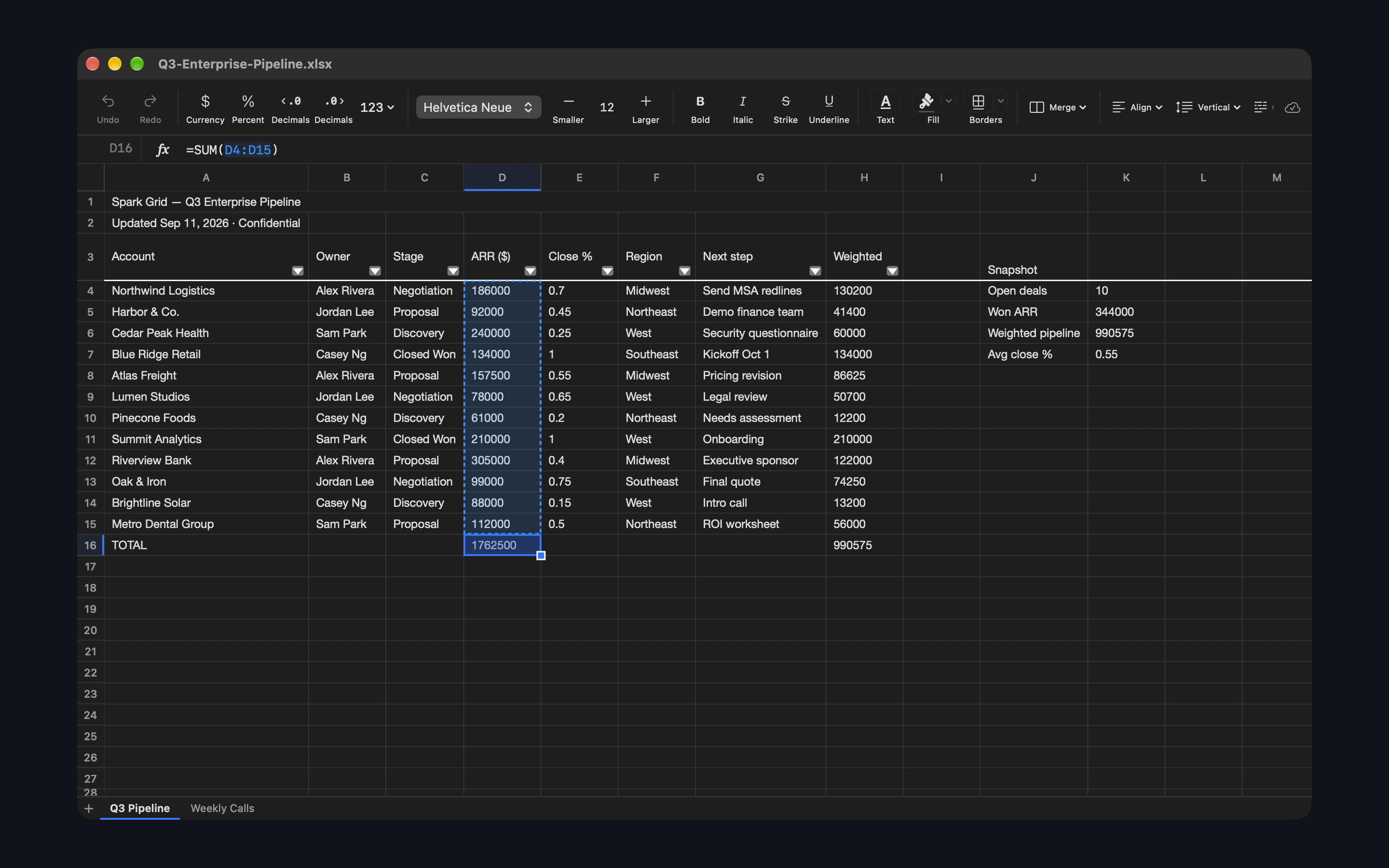
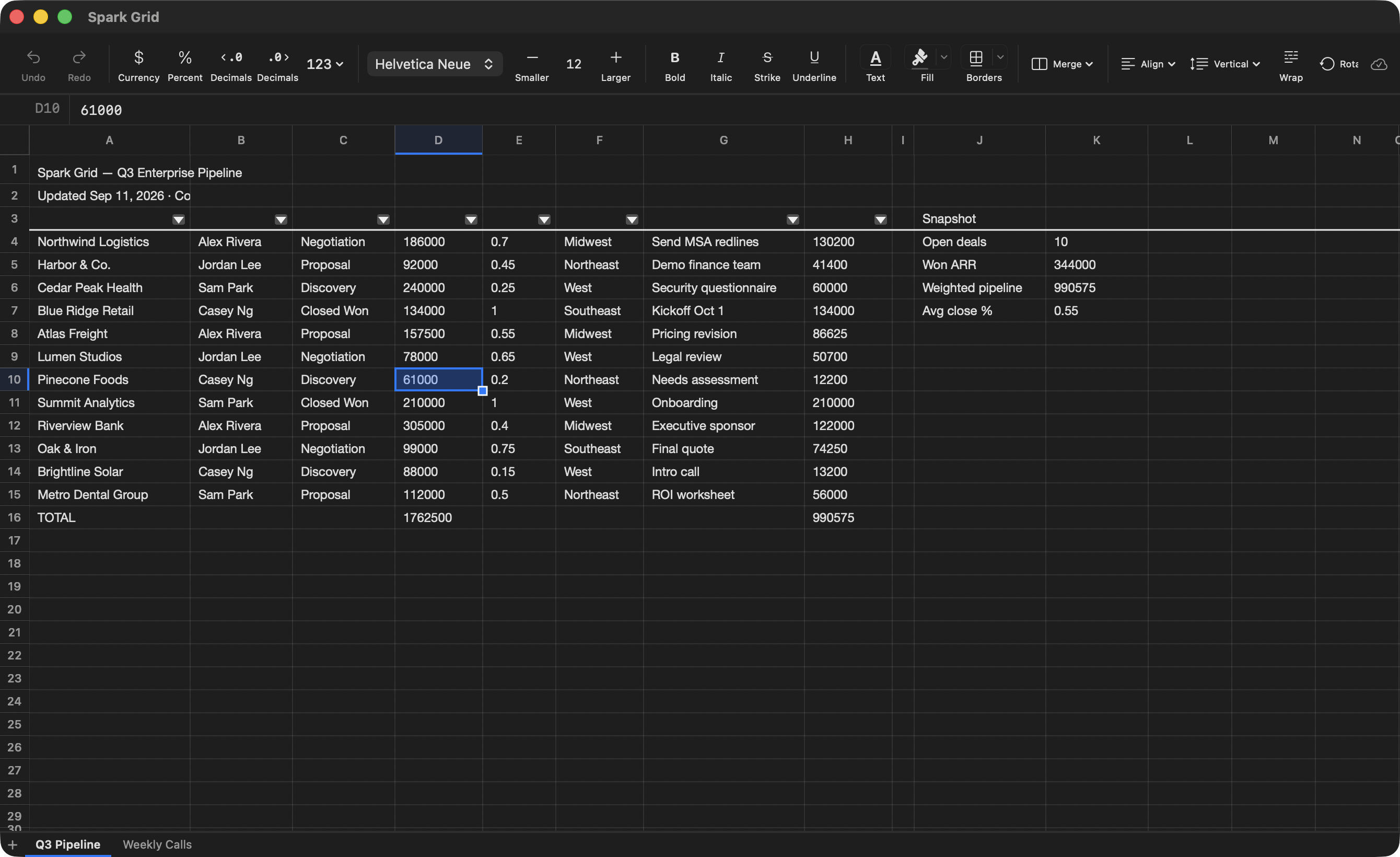
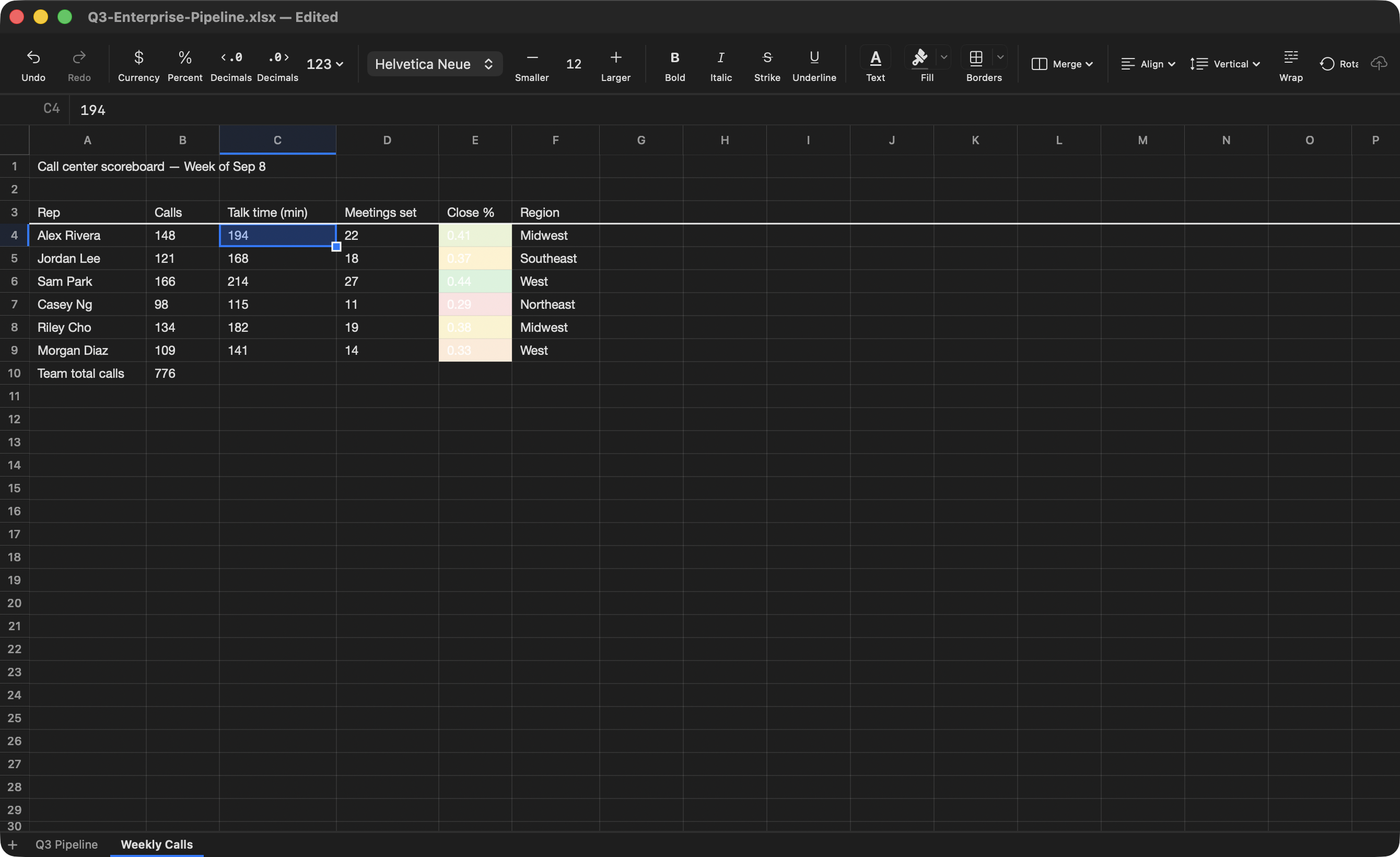
Screenshots
Click a picture for the full-size file.
Icon and logo
- App icon, 512 × 512 PNG
- Social card, 1200 × 630 JPG
- Download on the Mac App Store badge, SVG. Follow Apple’s badge guidelines.
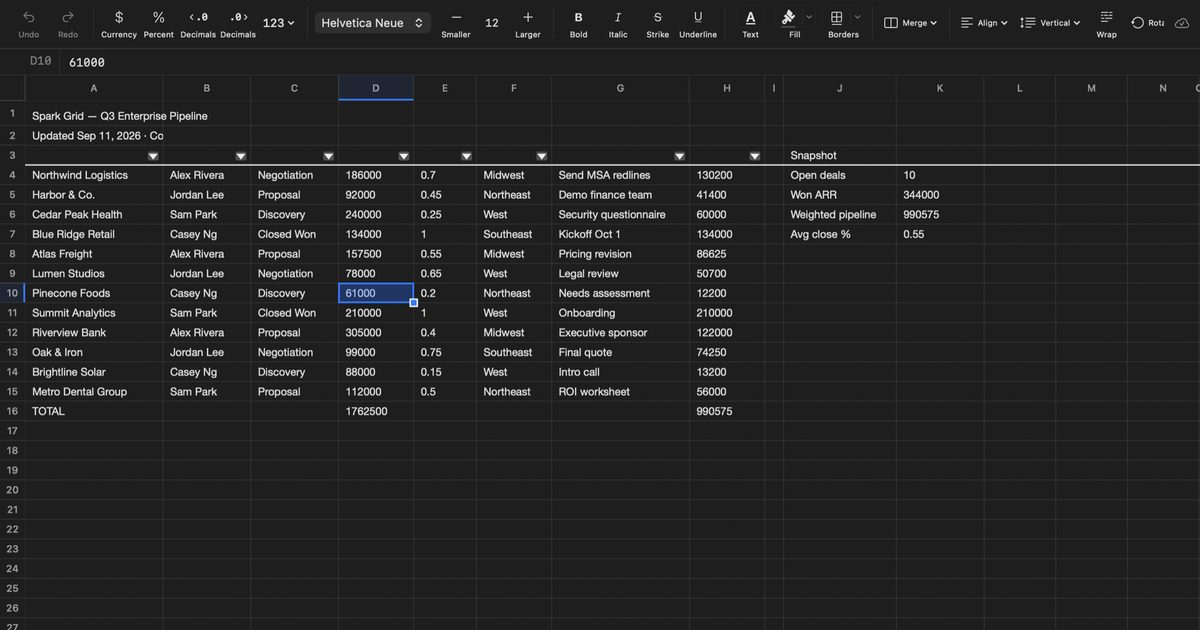

Please don’t change the icon’s shape or colors.
Colors and type
- Spark amber #E0A24A
- Graphite #0F1214
- Raised graphite #171B1F
- Warm ink #F2EFE8
Headings are set in Bricolage Grotesque. Body text is Figtree. Both are free under the SIL Open Font License.
Naming
Write it as two words, both capitalized: Spark Grid. Not “SparkGrid” or “Spark grid.”
About the developer
Sam Parker builds small, focused Mac apps under the Spark Suite name. Spark Grid is a one-person project. Every support email is read by Sam.