 Spark Grid
A native Mac spreadsheet for .xlsx and CSV
Spreadsheets. No account.
Big workbooks open faster. The sheet you’re editing stays quick. No account, and your files stay on your computer.
Spark Grid 1.1 is out on the Mac App Store. It runs on macOS 14 or later. What this version includes.

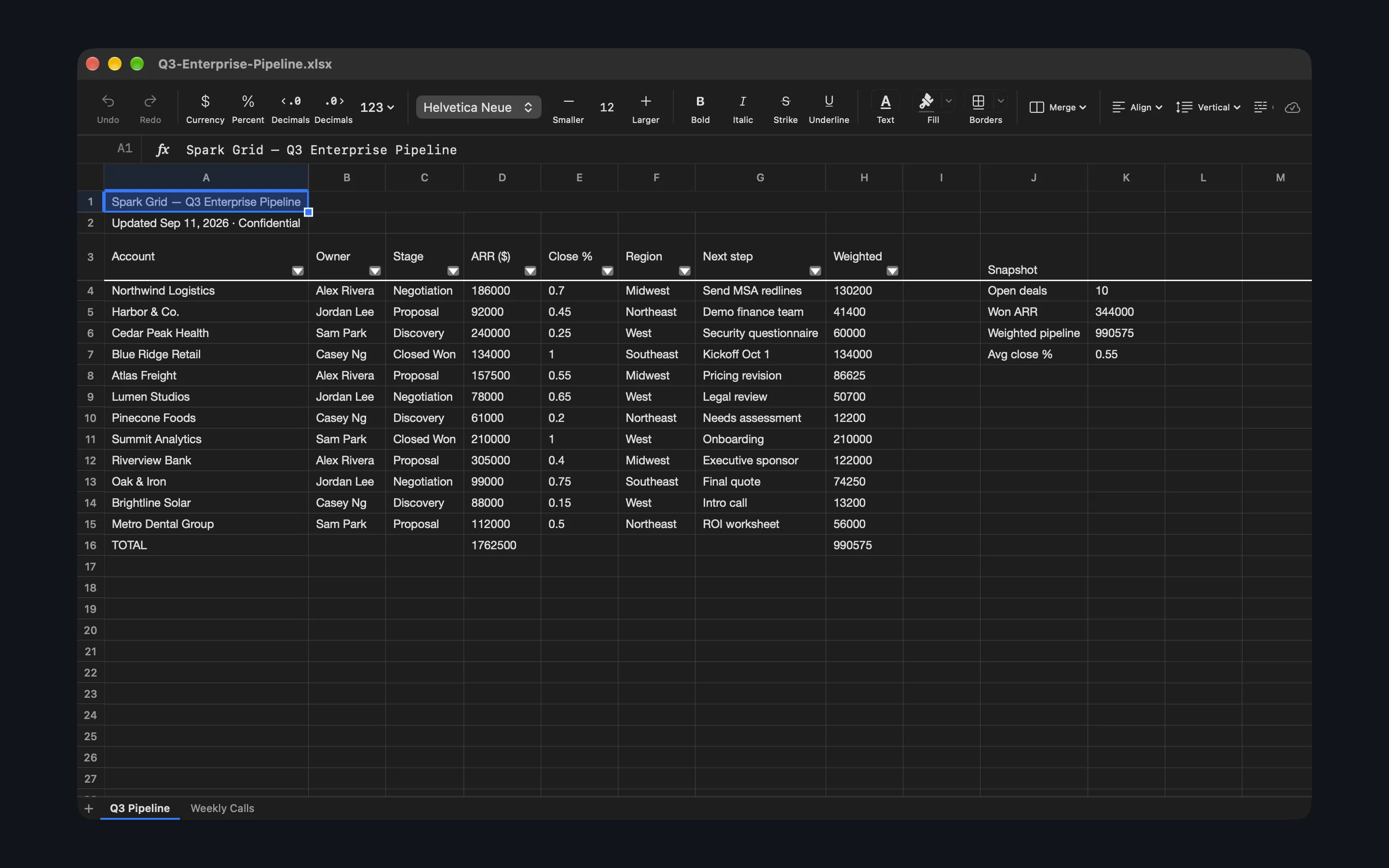
Open, edit, and save .xlsx and CSV
For a workbook you already have. Spark Grid 1.1 is the version on the Mac App Store.
- .xlsx and CSV Open and save both on your Mac. Autosave writes a file you have already saved. What’s in 1.1.
- Everyday formulas SUM, IF, SUMIF, XLOOKUP, and VLOOKUP, plus text and date functions. The 1.1 list. Any other name shows #NAME?.
- Filters and formatting Freeze panes, merge, filters, sort, find and replace, conditional formatting, pictures, and bar, line, and area charts on the sheet.
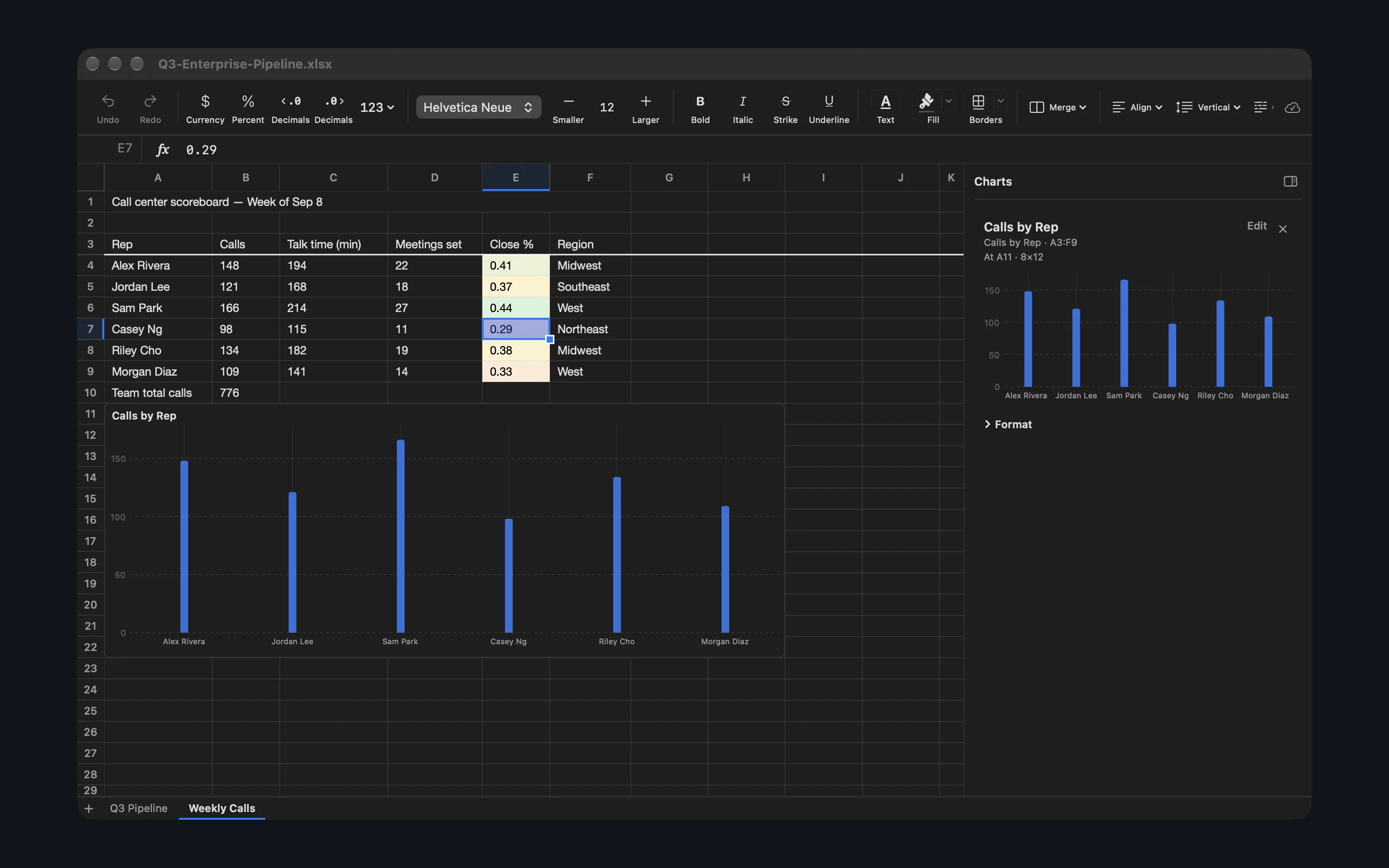
More than one sheet
Add, rename, and switch sheets. Freeze panes stay put, and a chart can sit on the sheet.
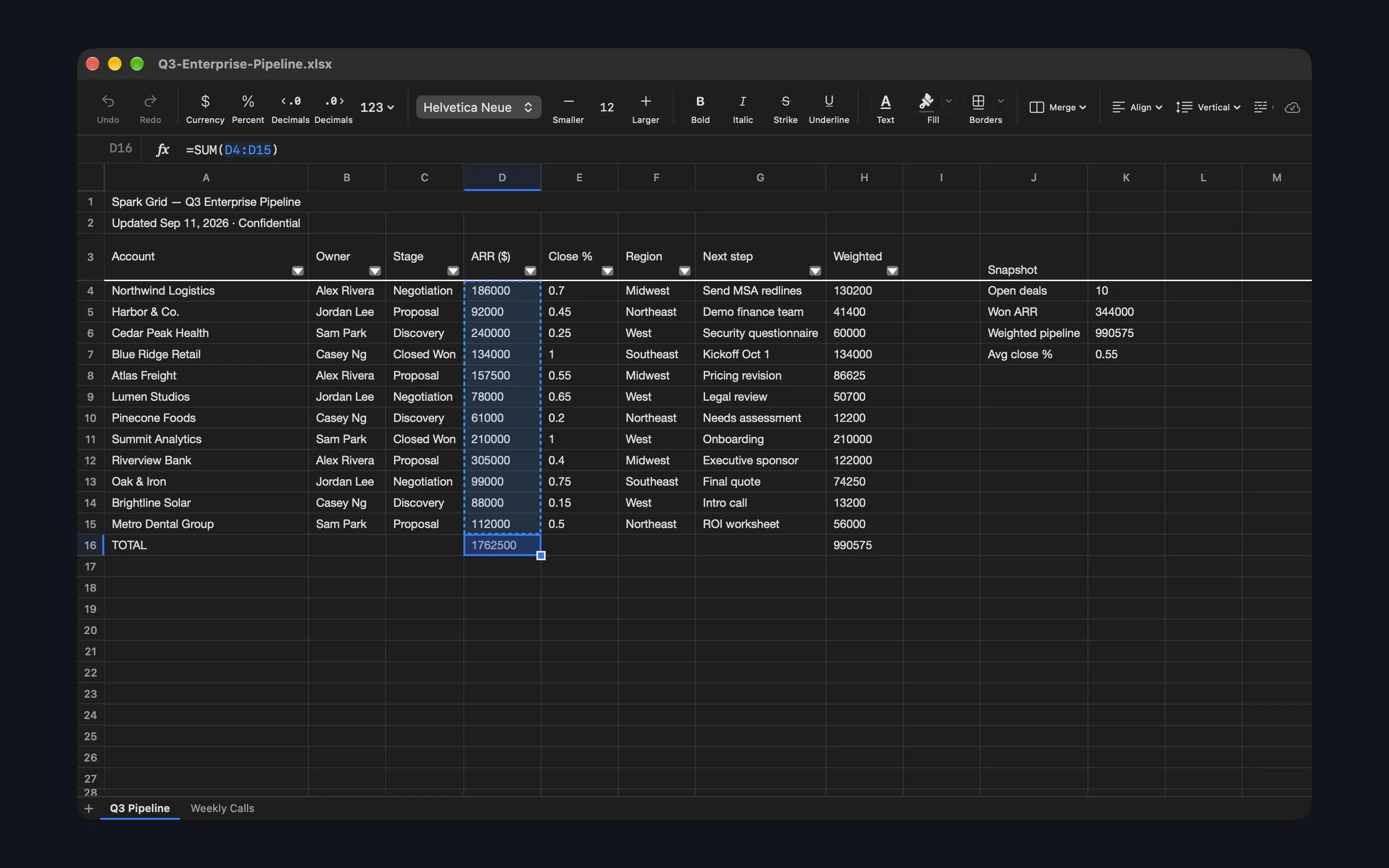
Formula cells show their results
The result is in the cell. The formula stays in the formula bar.
What’s new in 1.1
1.1 is the current release. Changelog.
- Large workbooks open much faster and use less memory.
- Saving no longer freezes the window.
- Switching sheets is immediate, and calculated values stay put.
- The sheet you’re editing stays quick. Other sheets update in the background.
- Scrolling back to a page you’ve already seen is instant.
- Heavy formulas, including COUNTIFS, SUMIFS, SUMPRODUCT, and VLOOKUP, calculate faster on large sheets.
- Formula cells show their results. The formula stays in the formula bar.
- Sheet tabs stay in the file’s order.
- Blank formulas stay blank when the file is opened in Excel, instead of showing 0.
- Column widths and row heights stay as you set them after you save and reopen, including a blank row.
- Merged titles draw across the merge at full size, and continue through empty cells when the sentence is wider. Saving still stores the original merge and the original sentence.
- A title in the frozen columns stays put when you scroll. The rest is clipped at the freeze line.
- A section title lower in the sheet stays on its own row and no longer covers the frozen headers.
- Borders no longer cut through a merged title.
- Selecting a merged cell keeps the view on the cell you clicked.
- Command-A in the formula field selects that formula.
Coming next
Not in 1.1, which is out now. What 1.1 includes is the list on the Mac App Store.
Still to come: a fill that continues numbers and dates, a column menu that sorts and filters by greater than, less than, or text contains, and a name box that takes an address or a defined name, with F2 to edit and ⌘-arrow to the edge of the data.
Part of the Spark Suite — small, sharp tools for the Mac.